

Advisories#
Advisories allow you to inform other Air Navigation users about activities your organization may be doing in an area. This improves the situational awareness of all pilots.
Note
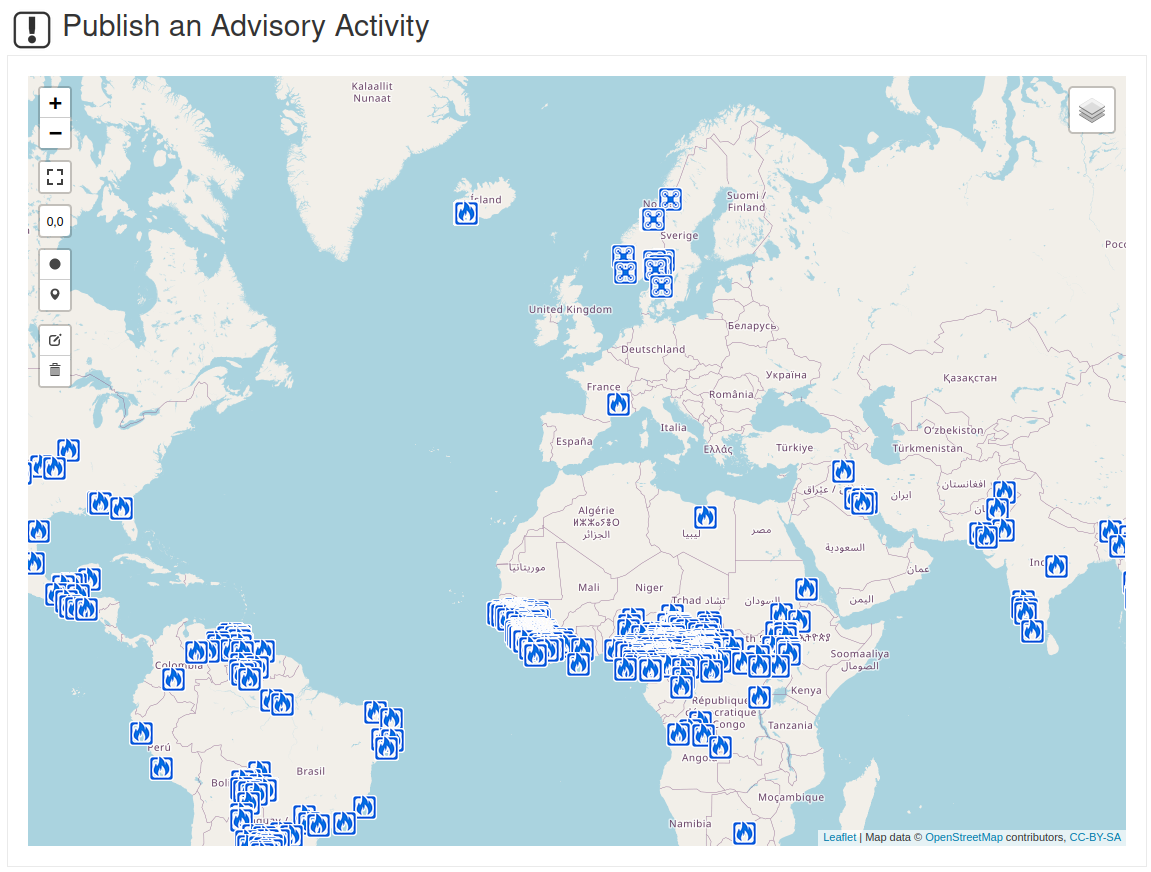
The overview displays all advisories currently active in Air Navigation Pro.
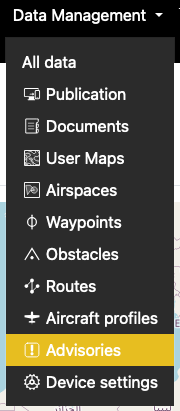
Access#
Actions#
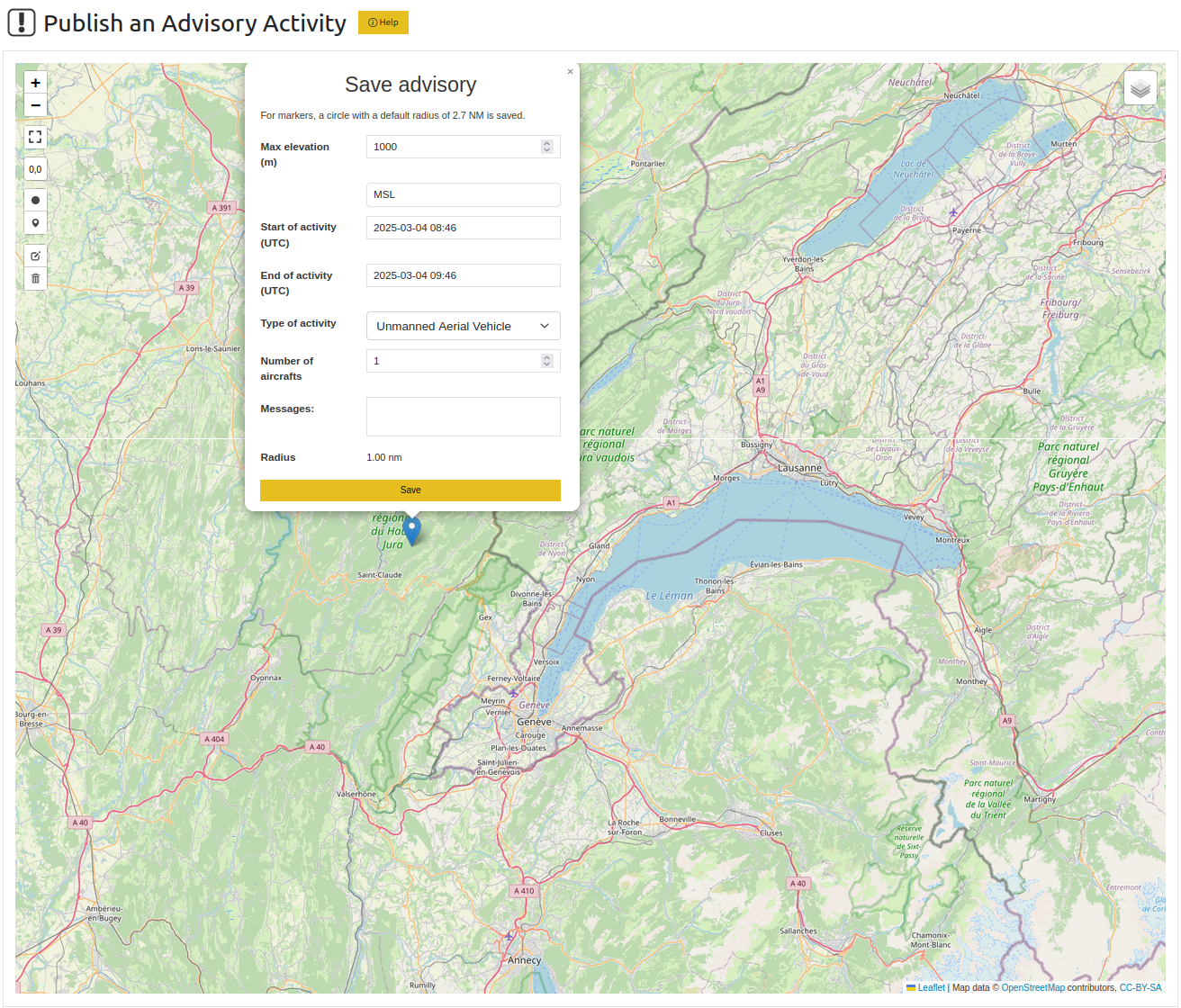
Advisory editor in Air Navigation Manager#
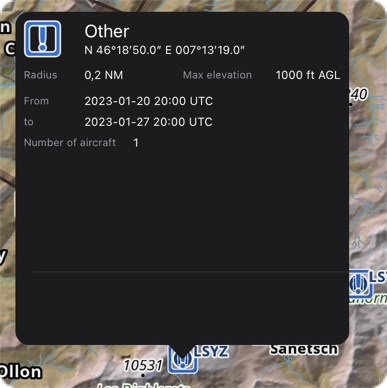
Advisories will be shown in the app to all users (also users outside your own organization):
You can create advisories by drawing a circle, a polygon, or a point. A point is saved as a circle with the default radius shown in the editor.
Note
Advisories are not part of a data group, so you do not need to re-publish when adding/changing an advisory. They are distributed automatically in the app.